Voiceover videos
A voice telling a story over footage, without talking to camera.
Updated September 29, 2026
What is a voiceover video?
The creator records audio (a story, a rant, an explanation) and lays it over b-roll, screen recordings or clips. The voice carries it; the visuals keep it moving.
Also called: narrated video, storytime over b-roll.
Why it works
Storytelling holds attention, and a voice builds trust without needing someone on camera. It's easy to re-cut: one voiceover can go over many different visuals.
Best for
Storytimes, explainers, product origin stories, testing the same script with different footage.
How to make a voiceover video
- Write the story in the order it happened, with the hook first.
- Record the voice in a quiet room, close to the mic.
- Change the visual every 1 to 3 seconds to match the words.
- Add captions that follow the voice.
Hooks to try
Fill in the blanks for your product:
- “Storytime: how ___ almost ruined my ___”
- “Here’s what nobody tells you about ___”
- “I tried ___ for 30 days. Here’s what happened”
Do's and don'ts
✓Sound like yourself, not an announcer
✓Match visuals to what's said
✓Keep the story to one arc
✕Use a robotic AI voice
✕Leave a static image on screen
✕Bury the point at the end
More formats
 Talking headOne person talking straight to the camera, like a FaceTime with a friend.
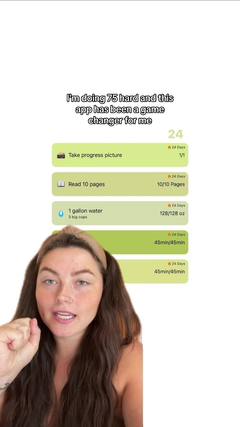 Face to demoStarts on a face with a hook, then cuts to the product in action.
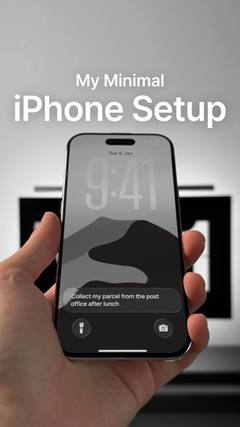 Faceless videoNo one on camera: hands, point-of-view shots or b-roll, with text or a voiceover.
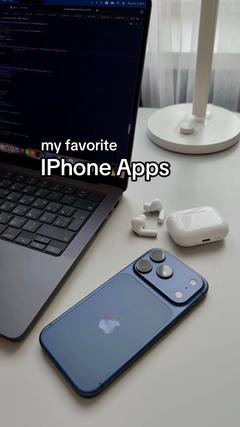 SlideshowsA swipeable set of photos with text on each slide.ListiclesA countdown or list of picks, with your product as one of them.
 TextwallA block of text over a simple background, read while a sound plays.
 Green screenThe creator talks in front of a screenshot, article, post or website.
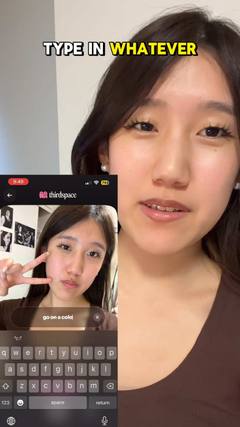 SkitsA short acted scene, often one creator playing several characters.