Face to demo videos
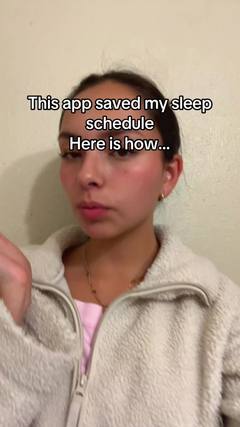
Starts on a face with a hook, then cuts to the product in action.
Updated September 29, 2026
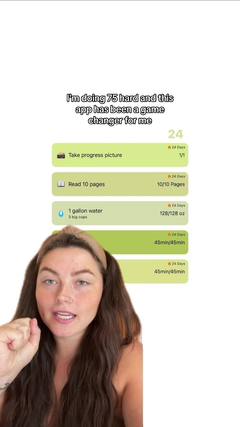
What is a face to demo video?
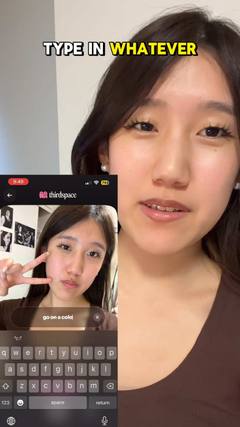
The creator opens on camera with the hook, then the video cuts to a screen recording or a close-up of the product doing the thing. Face for trust, demo for proof.
Also called: talking head + screen demo, show and tell, tutorial.
Why it works
The face earns the first two seconds and the demo earns the rest. Viewers see exactly what they'd get, which makes it one of the strongest formats for apps and physical products alike.
Best for
Apps and software, gadgets, beauty and skincare routines, any product that's easy to show.
How to make a face to demo video
- Hook on camera in one line: the problem, or the surprising result.
- Cut to the demo by second 2 or 3. Screen-record at full resolution, or film the product close up.
- Show the one feature that matters, start to finish, without menus and loading screens.
- Come back to the face for the reaction or the payoff.
Hooks to try
Fill in the blanks for your product:
- “This app does ___ and I’m mad nobody told me”
- “Watch me ___ in 10 seconds”
- “POV: you finally found a ___ that works”
- “The easiest way to ___”
Do's and don'ts
✓Cut to the demo fast
✓Zoom in on the part that matters
✓Narrate what's happening on screen
✕Show the whole onboarding flow
✕Leave long pauses while things load
✕Demo five features at once
More formats
 Talking headOne person talking straight to the camera, like a FaceTime with a friend.
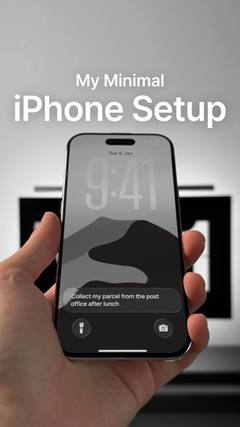 Faceless videoNo one on camera: hands, point-of-view shots or b-roll, with text or a voiceover.
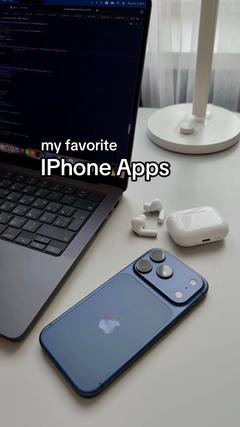 SlideshowsA swipeable set of photos with text on each slide.ListiclesA countdown or list of picks, with your product as one of them.VoiceoverA voice telling a story over footage, without talking to camera.
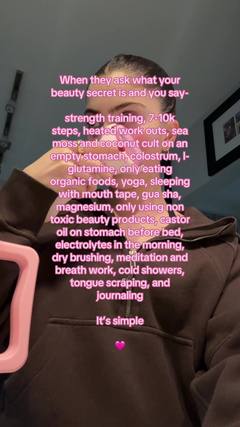 TextwallA block of text over a simple background, read while a sound plays.
 Green screenThe creator talks in front of a screenshot, article, post or website.
 SkitsA short acted scene, often one creator playing several characters.