Slideshows videos
A swipeable set of photos with text on each slide.
Updated September 29, 2026

What is a slideshows video?
A carousel of images (TikTok photo mode or an Instagram carousel), each with a line of text. The first slide is the hook; the rest pay it off one point at a time.
Also called: TikTok photo mode, carousels, photo slideshows.
Why it works
Swiping is a small commitment that keeps people on the post, and every swipe counts as engagement. Slideshows are fast to make, easy to test in bulk, and often get pushed hard by TikTok.
Best for
Tips and lists, before/after stories, relatable “things that…” content, education in small bites.
How to make a slideshows video
- Slide 1 is the whole game: a bold hook in big text over a strong image.
- One point per slide, a sentence or less.
- Use images that feel native (phone photos, screenshots), not polished ads.
- Mention the product naturally on one of the later slides.
- End with a slide that invites a save or a comment.
Hooks to try
Fill in the blanks for your product:
- “5 things I wish I knew before ___”
- “Signs your ___ is actually ___”
- “What ___ looks like at 25 vs 30”
- “Things I stopped doing that fixed my ___”
Do's and don'ts
✓Keep text inside the safe area
✓Make slide 1 readable in half a second
✓Test many versions of slide 1
✕Put a paragraph on one slide
✕Open with your logo
✕Make it look like an ad
More formats
 Talking headOne person talking straight to the camera, like a FaceTime with a friend.
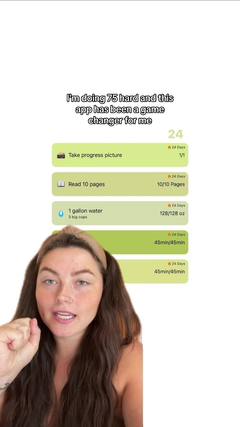 Face to demoStarts on a face with a hook, then cuts to the product in action.
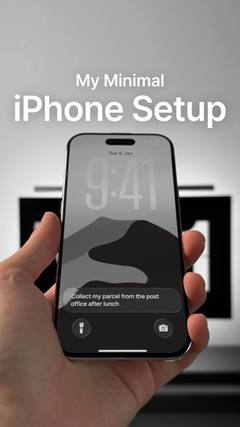 Faceless videoNo one on camera: hands, point-of-view shots or b-roll, with text or a voiceover.ListiclesA countdown or list of picks, with your product as one of them.VoiceoverA voice telling a story over footage, without talking to camera.
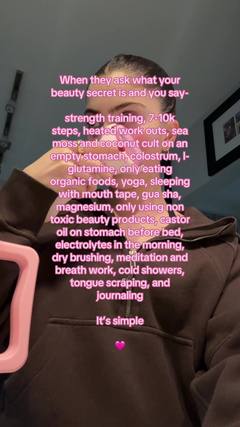 TextwallA block of text over a simple background, read while a sound plays.
 Green screenThe creator talks in front of a screenshot, article, post or website.
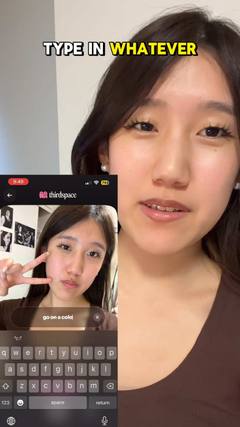 SkitsA short acted scene, often one creator playing several characters.