Green screen videos
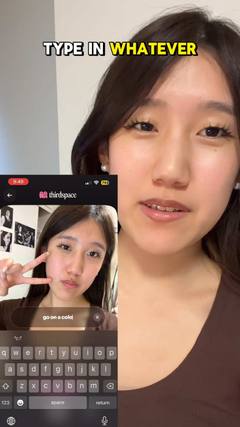
The creator talks in front of a screenshot, article, post or website.
Updated September 29, 2026
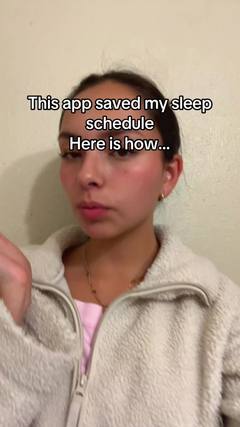
What is a green screen video?
Using TikTok's green screen effect, the creator appears in front of an image (a review, a headline, a tweet, a website, a before/after) and reacts to it or explains it.
Also called: green screen reaction, TikTok green screen effect.
Why it works
The background gives proof or context the viewer can see, while the face gives the take. It borrows credibility from the thing on screen and is great for “look at this” moments.
Best for
Reacting to reviews or comments, explaining news or research, comparing products, showing results.
How to make a green screen video
- Pick a background that stops people on its own: a wild review, a headline, a chart.
- Point at the part that matters.
- Give your take in one line, then the why.
- Swap the background when the point changes.
Hooks to try
Fill in the blanks for your product:
- “This review is why I tried ___”
- “Wait, did you know ___?”
- “Let’s talk about this ___”
- “They said ___ was impossible”
Do's and don'ts
✓Make the background readable
✓Point to what you mean
✓Keep your face in the corner
✕Cover the key part with your head
✕Use a blurry screenshot
✕Read the whole thing out loud
More formats
 Talking headOne person talking straight to the camera, like a FaceTime with a friend.
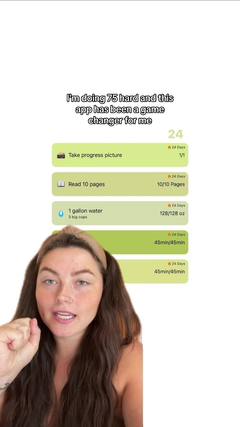 Face to demoStarts on a face with a hook, then cuts to the product in action.
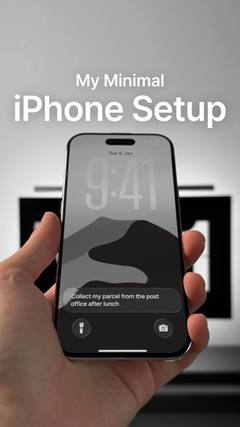 Faceless videoNo one on camera: hands, point-of-view shots or b-roll, with text or a voiceover.
 SlideshowsA swipeable set of photos with text on each slide.ListiclesA countdown or list of picks, with your product as one of them.VoiceoverA voice telling a story over footage, without talking to camera.
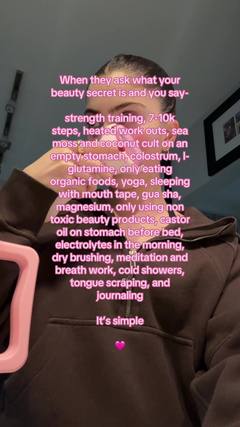 TextwallA block of text over a simple background, read while a sound plays.
 SkitsA short acted scene, often one creator playing several characters.