Faceless video videos
No one on camera: hands, point-of-view shots or b-roll, with text or a voiceover.
Updated September 29, 2026
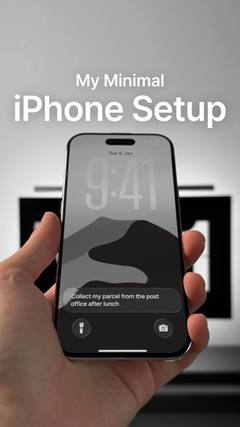
What is a faceless video video?
The video never shows a face. It's hands using the product, a point-of-view shot, aesthetic b-roll or a screen recording, carried by on-screen text, music or a voiceover.
Also called: no-face content, POV video, hands-only, b-roll.
Why it works
It's easy to make at volume, works for creators who don't want to be on camera, and viewers picture themselves in the shot. POV framing makes it feel like the viewer's own life.
Best for
Lifestyle and aesthetic brands, apps, “day in my life” and routine content, high-volume testing.
How to make a faceless video video
- Pick a POV the viewer wants to be in (their desk, their night routine, their morning).
- Put the hook on screen as text in the first frame.
- Keep shots short (1 to 2 seconds) and moving.
- Use a trending sound or a calm voiceover to carry it.
Hooks to try
Fill in the blanks for your product:
- “POV: you finally ___”
- “Things that just make sense when you ___”
- “My ___ routine that changed everything”
- “Romanticize your ___ with me”
Do's and don'ts
✓Film in good light: it's all about the look
✓Keep the text short and readable
✓Show real hands and real spaces
✕Use stock footage that looks like an ad
✕Cover the whole screen in text
✕Let one shot run too long
More formats
 Talking headOne person talking straight to the camera, like a FaceTime with a friend.
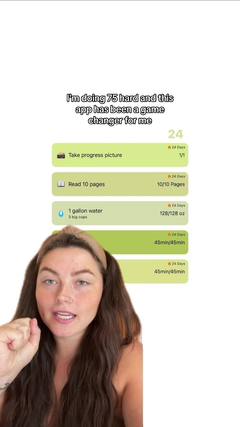 Face to demoStarts on a face with a hook, then cuts to the product in action.
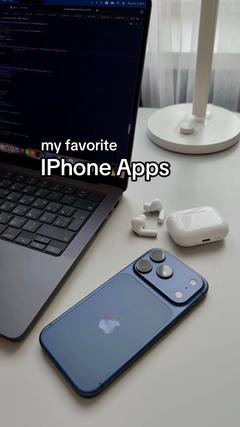 SlideshowsA swipeable set of photos with text on each slide.ListiclesA countdown or list of picks, with your product as one of them.VoiceoverA voice telling a story over footage, without talking to camera.
 TextwallA block of text over a simple background, read while a sound plays.
 Green screenThe creator talks in front of a screenshot, article, post or website.
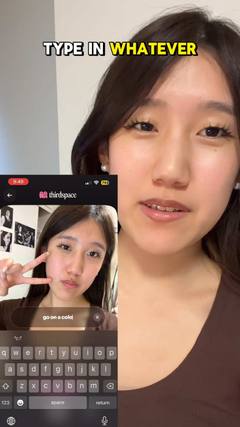 SkitsA short acted scene, often one creator playing several characters.